



Spinjoys Mobile Access
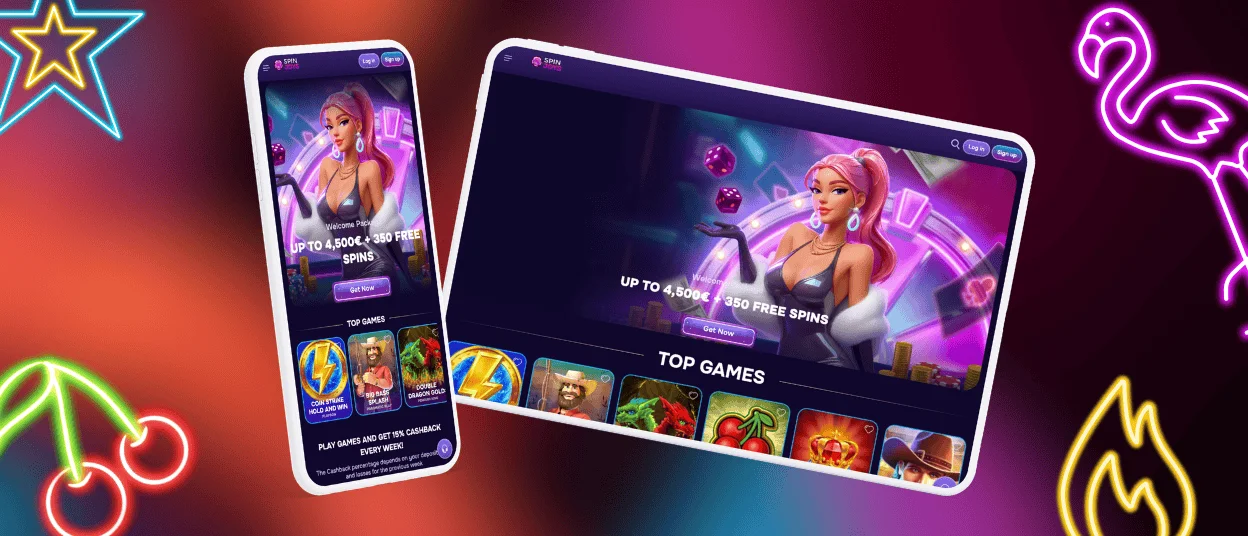
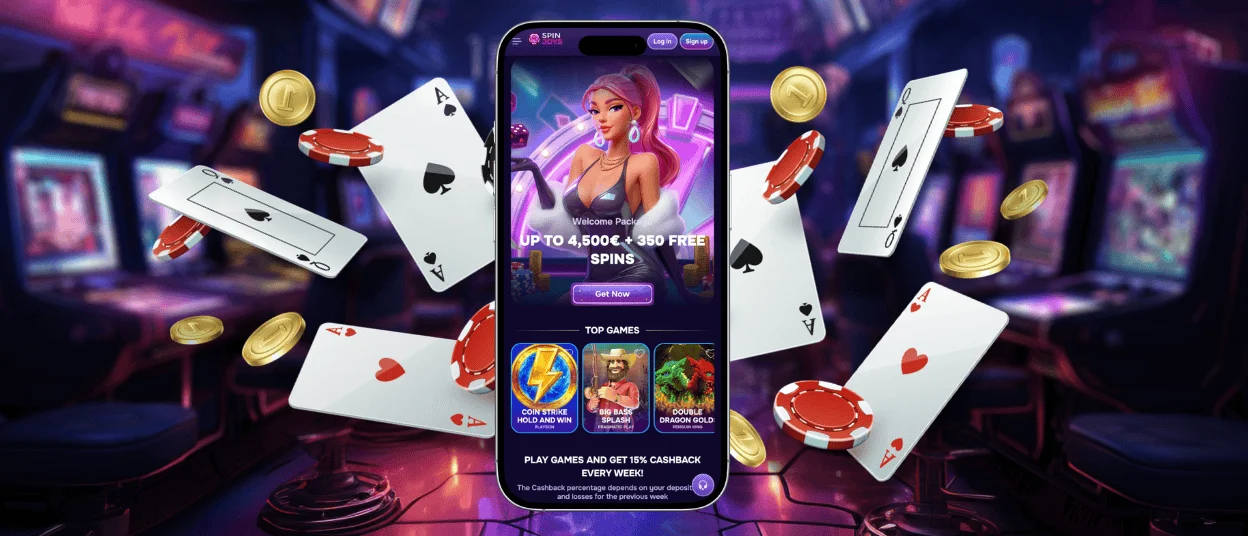
We set ourselves a goal of creating a version of our website that delivers a gaming experience tailored to whatever device you use, and the Spinjoys App turned out to be the answer. It builds on the structure of the browser version but includes more features made specifically for smaller screens.



Spinjoys Mobile App Benefits
The main benefit of any application is a more individualized experience for smartphones and tablets, and our Spinjoys app is no exception. Even computer users can benefit from it, though they are not the primary target audience. Our solution removes everything redundant and includes everything necessary for a good mobile casino gaming session.
The first thing that got discarded was unnecessary interface elements. The address bar, reload button, tabs—features that come in handy when using the browser version of Spin Joys Casino—are not necessary for apps. Easy navigation looks different for each device, especially when you switch from a mouse or touchpad to your own fingers.
Cutting things out wasn’t the whole story for the interface elements. We added a convenient panel with all the most frequently visited sections of Spinjoys Casino:
| Button | Description | Actions |
| Casino | Directs to different casino lobbies: online slots, Live Casino, and sports betting. | View a wide selection of games, check out the best offers, and see the big wins of the day. |
| Search | Opens the complete list of more than 6,000 titles. | Find the game by name, provider, genre, or bonus features. |
| Deposit (Sign up for unregistered users) | Leads to the page with payment arrangements. | Make a deposit, request a withdrawal, and contact us via live chat. |
| Bonuses | Presents all available bonuses. | Monitor wagering progress, claim new bonuses, and view active ones. |
| Activities | Shows the list of Spinjoys Casino promotions. | Access the Missionboard, spin Wheels, visit the Tournaments page, join an active lottery, and check out our store. |
The panel stays with you as long as you continue navigating our website, and it disappears when you start playing a game. This is one of the main features of the Spin Joys app that significantly improves the user journey for mobile players.
As for the functionality, it remained the same. In our app, you can do all the things available in the browser version: play games, claim bonuses, make deposits and request withdrawals, even go through the verification process. You don’t miss out on anything by choosing Spinjoys Casino on mobile.
If you are concerned about the app occupying another hundred MBs of your device’s limited storage space, we’ve taken care of that as well. Our solution is a Progressive Web Application that runs in a browser but presents an interface that looks like a native app. It requires 14 MB of storage space for the shortcut icon. The coding takes care of the rest.
Unlike regular apps that often request dozens of permissions to access your device’s services, ours doesn’t require any. The Spin Joys app uses the settings of your browser to send notifications (if you allow them), but that’s the extent of it. We don’t need your geolocation or access to your camera and won’t ask for any other permissions.
Spinjoys Android Mobile App
All Android users can download the Spinjoys app within a matter of seconds. Since we opted for the PWA version, there is no need to search for a Play Store link: you can get our software directly from our website. Here’s how you do it:
- Click “More” (three dots) in the address bar.
- Choose “Add to home screen.”
- Tap “Add” to confirm your choice.
A Spin Joys icon will appear on your device’s main screen. If you have a hard time finding the right buttons or they are simply not there in your browser, contact our Support Team. We have installation instructions for all operating systems and will help you get our software in no time.
Even though you don’t need to go to the Play Store to get the Spinjoys app, this doesn’t mean any files found on the internet with our name on them are safe. Android is known for its APK-friendly approach, but not all APKs are developed by official companies. We promote our PWA and don’t recommend installing any APK files.
Spinjoys iOS Mobile App
iPhone and iPad owners are not denied the comfort of using the Spinjoys app either. The only difference is the required browser: even if you have several of them on your device, we recommend using Safari. It’s a native iOS choice that works best with the system. The setup instructions are as follows:
- Open the Spin Joys Casino website via Safari.
- Click “Share.”
- Find and tap “Add to Home Screen.”
You can always find the instructions tailored to your device and OS by clicking the Spinjoys Casino App banner in the sidebar menu. It will lead to the page of our PWA with the general information, user reviews, and installation instructions.
Spinjoys App for Windows and macOS
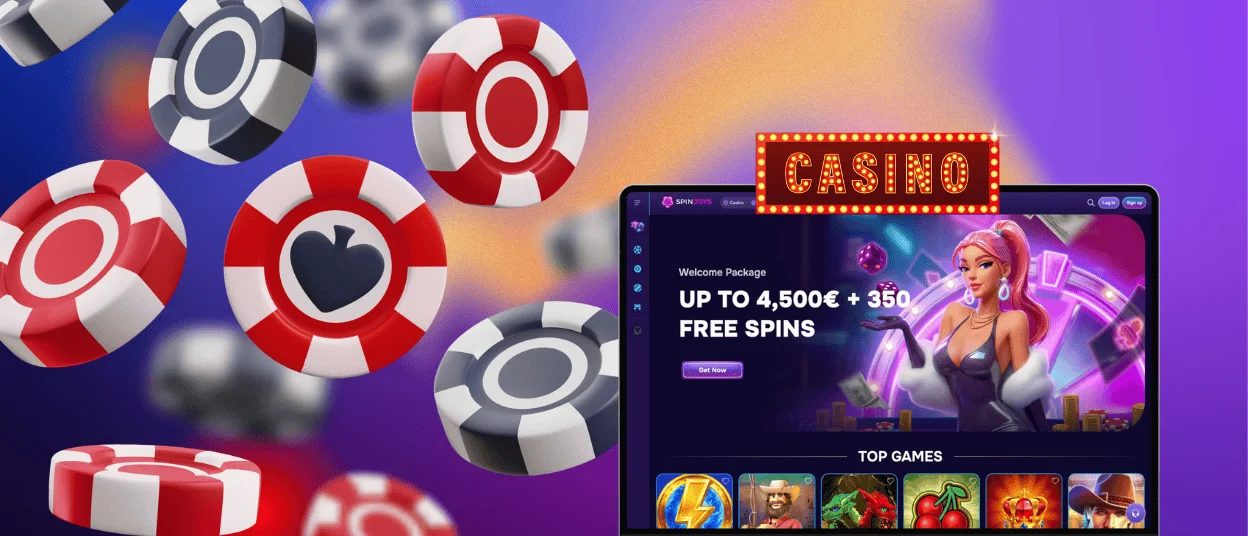
As we’ve mentioned before, computer users can take advantage of our solution the same way smartphone and tablet clients can. This instance of the Spinjoys app looks more similar to the browser version but nonetheless offers a more focused gaming experience. And you won’t even need to open your browser to visit our website.
Windows users can get our software by clicking “Install application” in the address bar. It may have a different name depending on the browser, but the location is always the same. MacBook owners should open Safari, visit Spin Joys Casino, then choose “File” and “Add to Dock.”
FAQ
Does the account balance update across all devices?
Yes, whatever action you take when logged in to your account carries over to all devices with your Spinjoys profile. You can also make a deposit in our app, and changes will be reflected in your browser when you reload the page.
Does the app include the full game catalog?
Yes, you can play all of our titles. Many game providers have two versions of their products: tailored for bigger and smaller screens. Playing from a smartphone or tablet will activate the version of the game created specifically to match your display size.
How can I update the Spinjoys Casino app?
One of the best aspects of PWAs is that they update automatically upon launch. That means you will never find yourself in a situation where you want to play our games, but the app unexpectedly starts downloading another update. It also means we won’t occupy more space than we initially claimed we needed.


